JinovaDigitalBusiness Workspace
Appointments & Bookings

Bookings. Clients. Done.

Run appointments, clients, staff, services and invoices without bouncing between tools.

  • Free to start
  • No card required
  • Appointment setup
  • AU/NZ support
Connected booking workflowAppointments, client records, services and rebooking stay close together.
Appointments & Bookings Live setup preview
Appointments6
Open slots3
Rebook due4
01Client booked online
02Reminder queued
03Visit notes ready
For salons, studios, consultants, tutors and booking-led service businesses.

Real workspace preview

See the workspace before you start.

Jinova starts with your business type, then prepares the right setup over the same connected Business Workspace foundation.
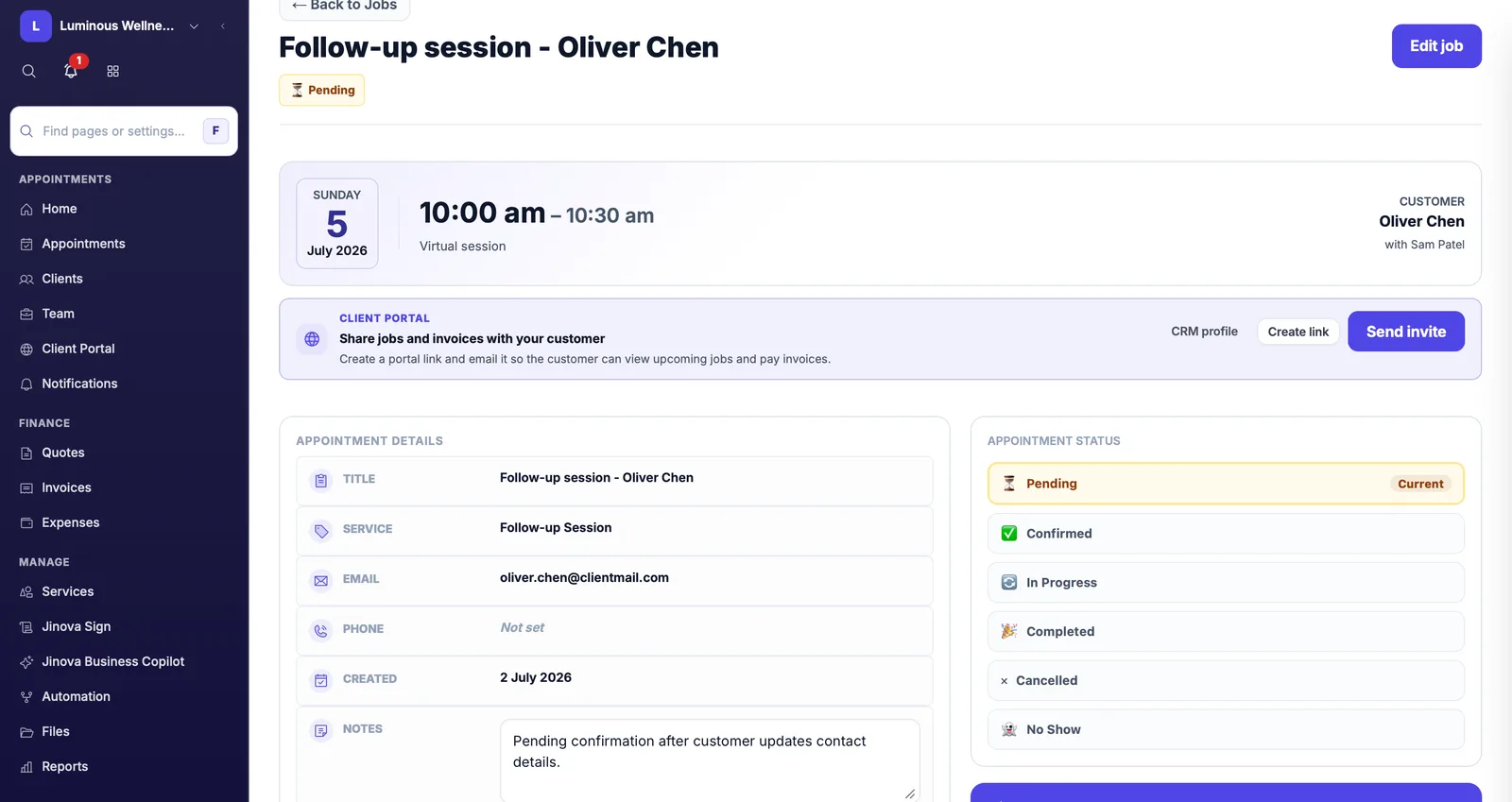
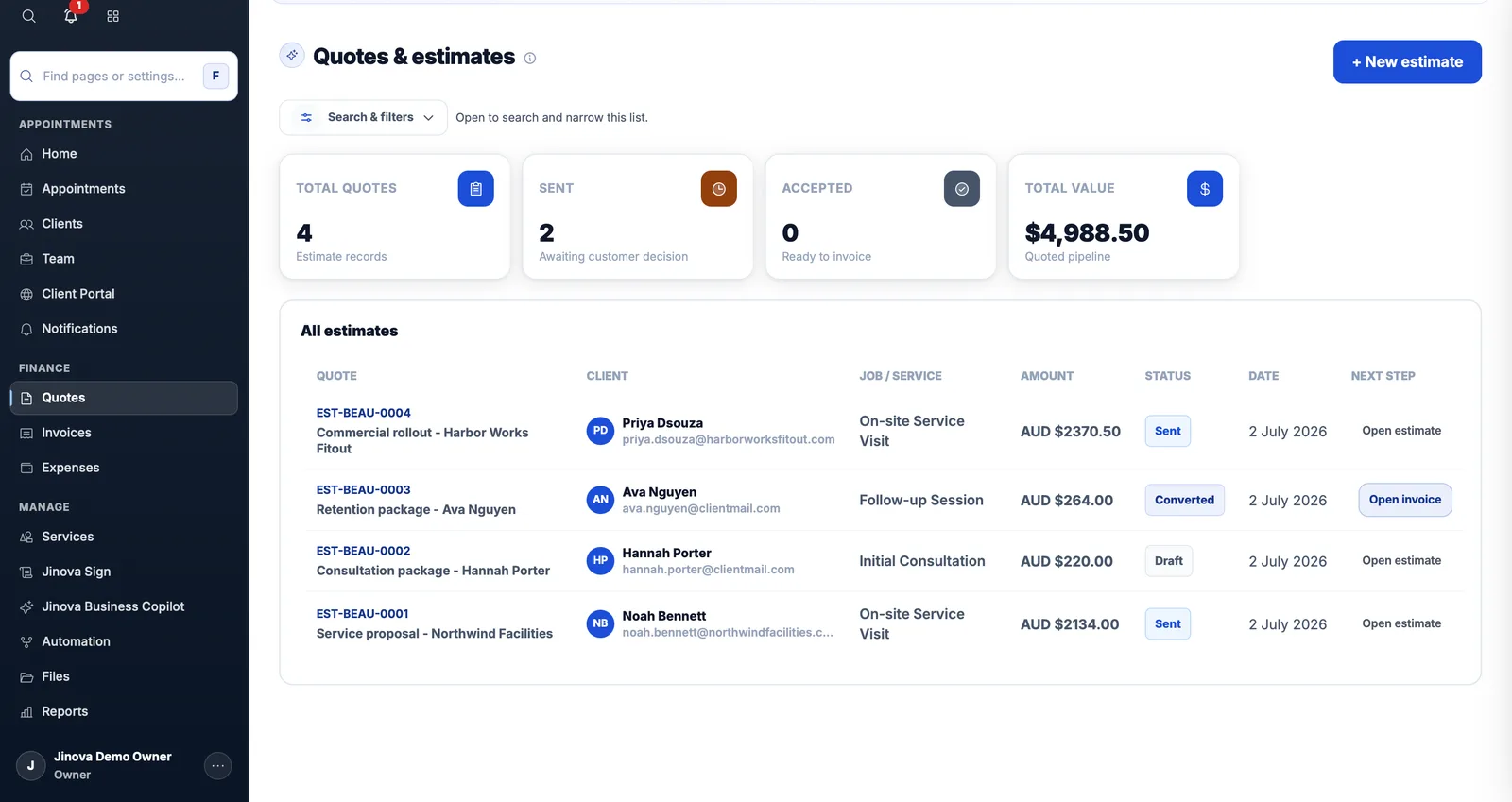
Calendar liveClient profileService detailsRebook next
Jinova appointment detail workspace screenJinova quote and estimate workspace screen

Appointments & Bookings

Calendar, clients and services without the admin sprawl.

Built for booking-led businesses that manage appointments, staff, services and client records.

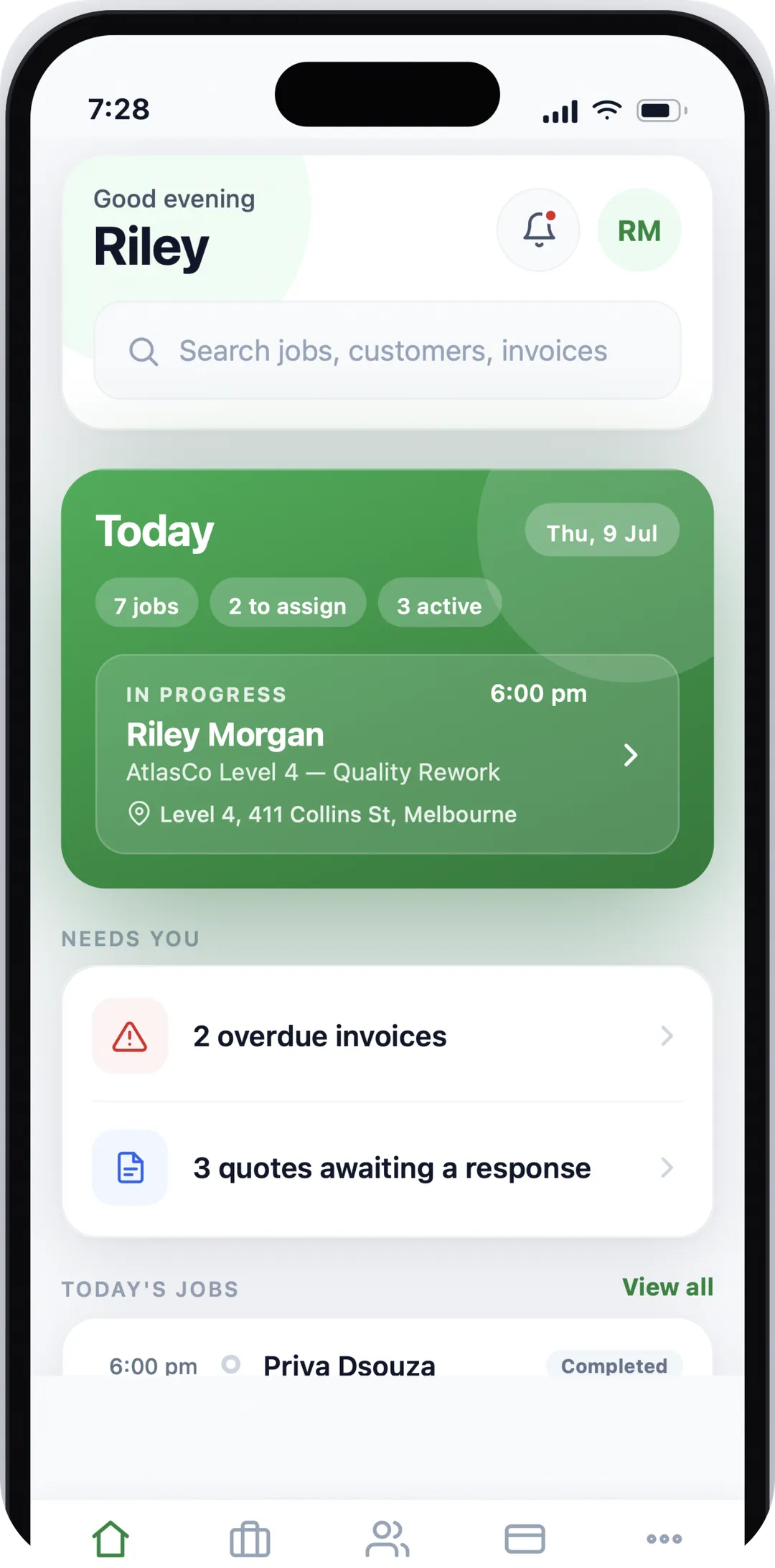
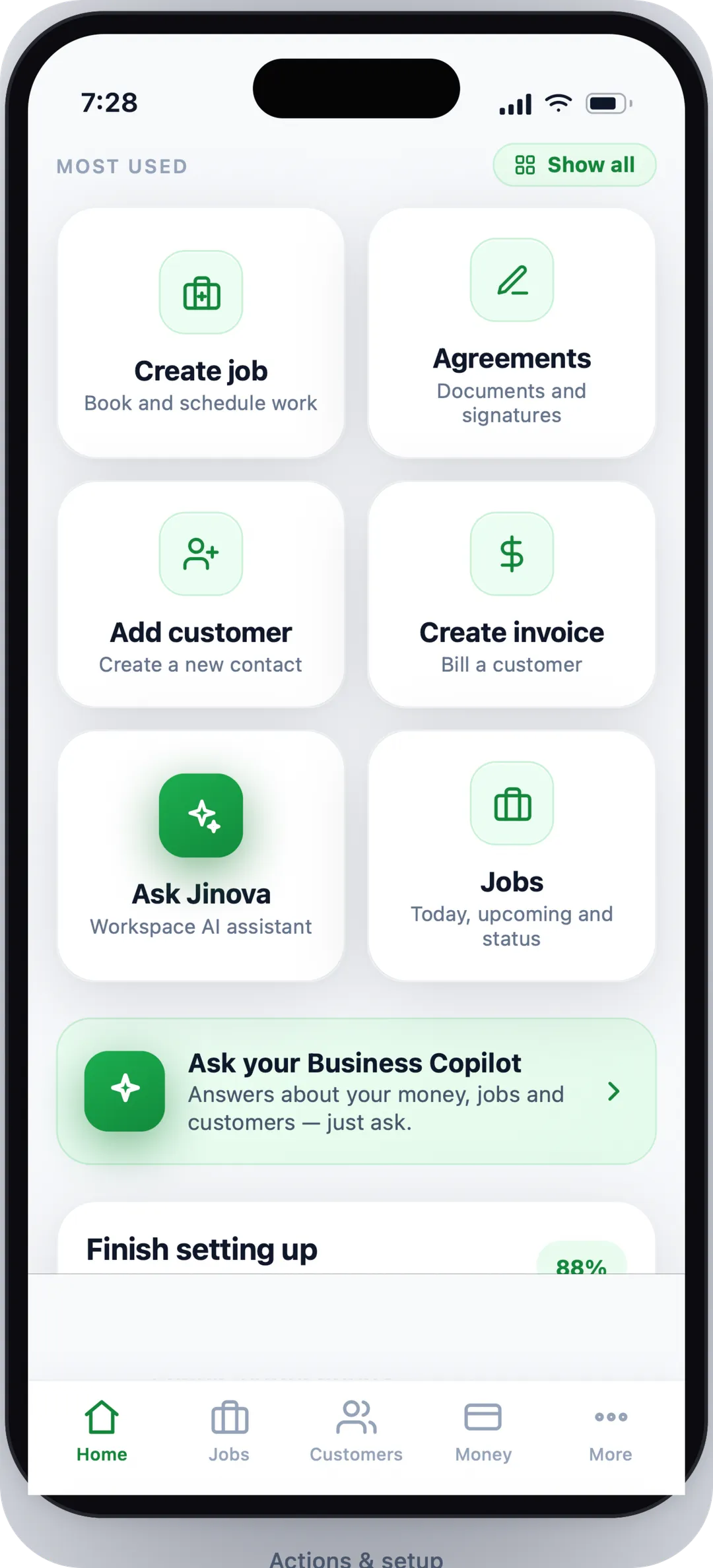
Actual mobile workspace

A real phone flow for the day's work.

The current Jinova phone design shows quick actions, jobs, customers, money and Copilot shaped for the owner on the move.
Actual app screensToday's jobsCopilot ready
Jinova mobile home — today's schedule, jobs to assign and what needs youJinova mobile quick actions — create jobs, invoices, agreements and Ask Jinova
Built for
SalonsBarbersBeautyStudiosTutorsConsultantsCoachesWellness

Connected booking workflow

The practical tools are still close to the work.

Portal, approvals, workflow context and Copilot sit around the same workspace, so your team is not stitching the business together from disconnected tabs.

Client portal

Clients can see upcoming bookings, history and invoice context through simple links.

Booking setup

Shape services, staff and appointment details around the way your business works.

Approvals and forms

Keep intake, agreements and important client context connected to the record.

Appointment workflow

From client booking to repeat visit.

Jinova gives booking-led teams one place to manage client records, appointment work and the business admin around it.
01

Set up services

Define services, durations, prices, staff and the details your team needs.

02

Manage appointments

Keep calendar work, clients and staff assignments together.

03

Serve the client

Use client notes, history and service details before and after each visit.

04

Invoice and rebook

Track invoices, payment status and follow-up opportunities.

What is included

Every core tool in one connected workspace.

Start with the setup that fits your business, then add the details that make it yours.

Appointments

Calendar-led workflows for client visits and staff schedules.

Client records

Preferences, history, notes and contact details in one profile.

Services

Service menu, pricing and setup that matches how you work.

Invoices

Invoice clients and see paid, due and overdue status clearly.

Intake and notes

Keep forms, context and next steps attached to the client.

Business Copilot

Drafts, summaries and suggestions from inside your workspace.

Business CopilotDrafts, summaries and next steps from the same workspace context.
Explore Copilot

Appointments & Bookings

Start with the workspace that fits how your business runs.

No card required. Set up the basics, explore the workflow, and keep what works.
Start Free